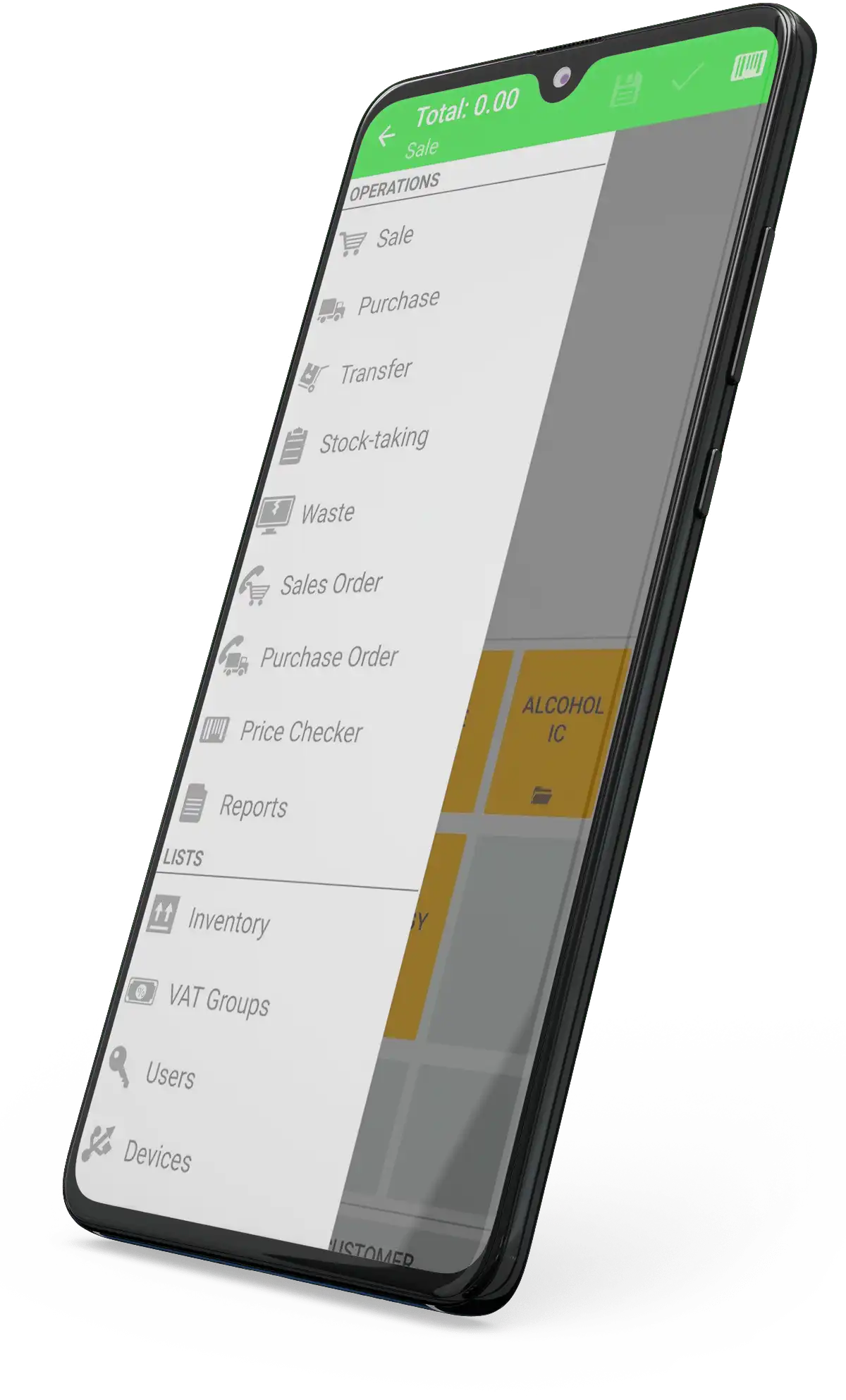
A screenshot.
A screenshot.
A screenshot.
A screenshot.
A screenshot.
IncoPOS
Download now!

Free IncoPOS Universal All in One

Our team at Vladster knows that the most important parts of a successful business are: satisfied clients and the efficiency of the work process. Our product is designed to fulfill all your expectations and needs. Don't compromise with quality, pick the best product for the best price.

Home » Products » IncoPOS

Summary

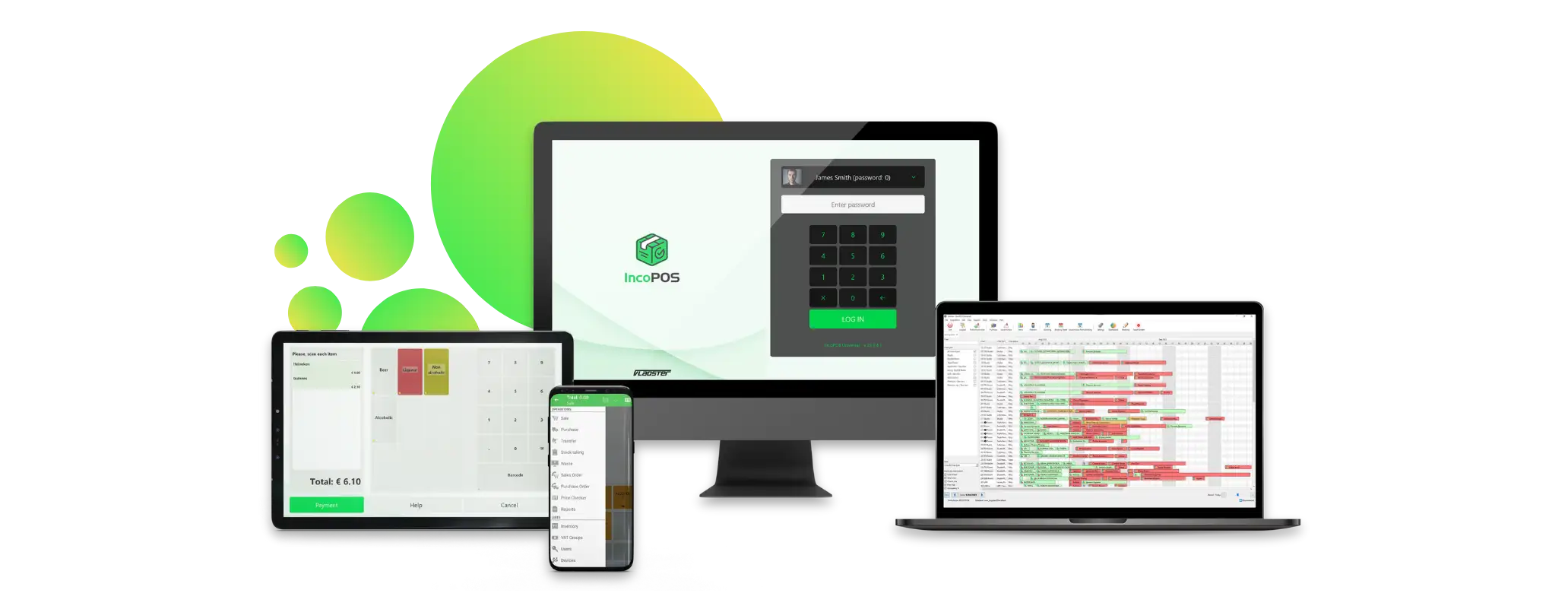
IncoPOS is innovative and easy to use point of sale system. Suitable for most shops, groceries, restaurants, points of sale etc. Whether you are opening your first retail store or expanding operations, IncoPOS will improve your business efficiency. Lower costs of operation, improved sales and higher customer satisfaction will help you make your business a successful one.

IncoPOS provides all the functionality needed for seamless straight forward point of sale operation.

Create a new database

Start working within minutes

Minimal initial configuration needed in order to start operating. The quick and easy setup will install IncoPOS on your system in just a few minutes.

1. Simply start the application, enter the server connection parameters and the database name you wish to use.

2. Click Create to create a new database.

2.1 You can create a new blank database and start adding information about your company items locations and partners and start working immediately.

2.2 Or you can create a sample database to see some of the possible scenarios in which IncoPOS can be used and evaluate our product as quick as possible.

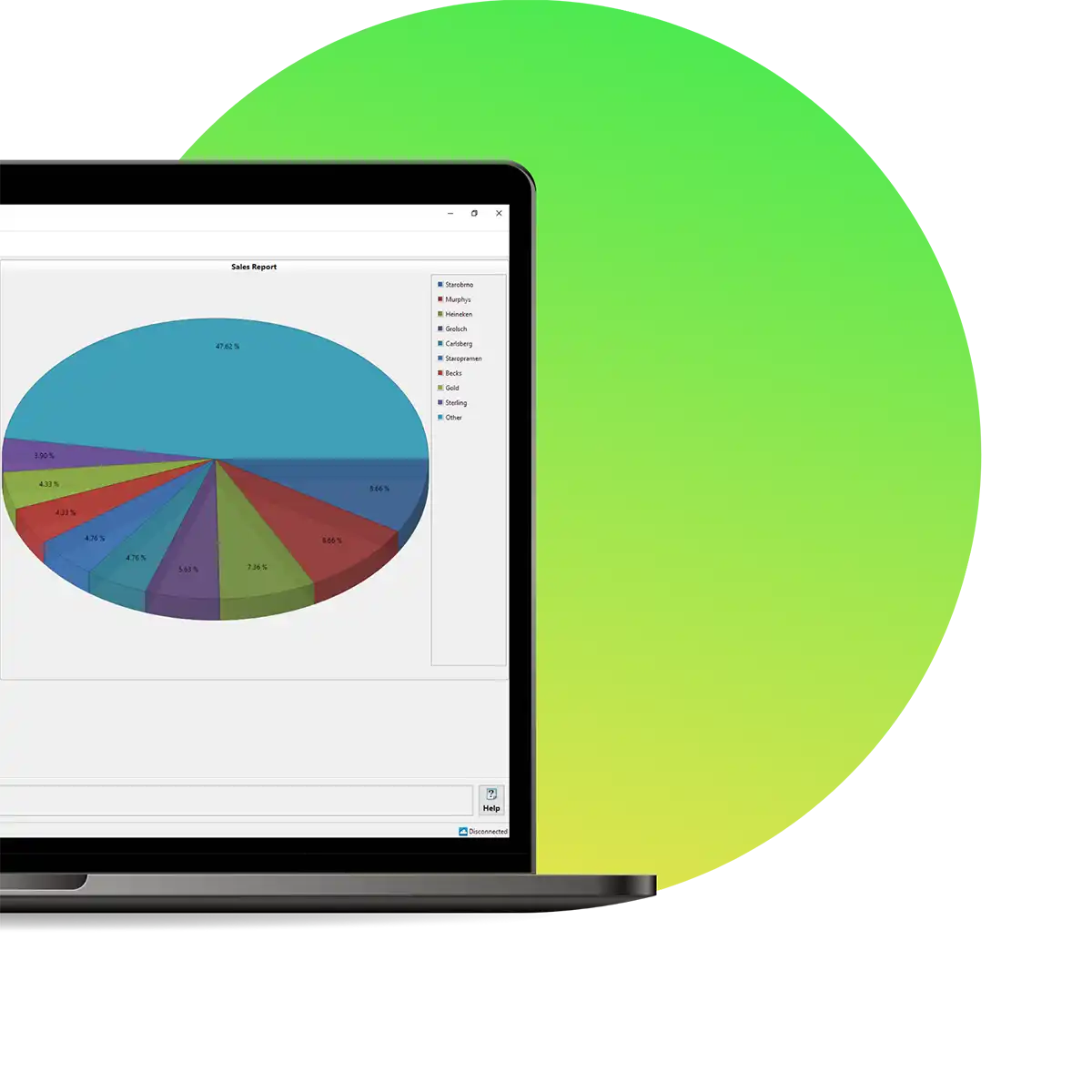
Dashboard module for visual reports

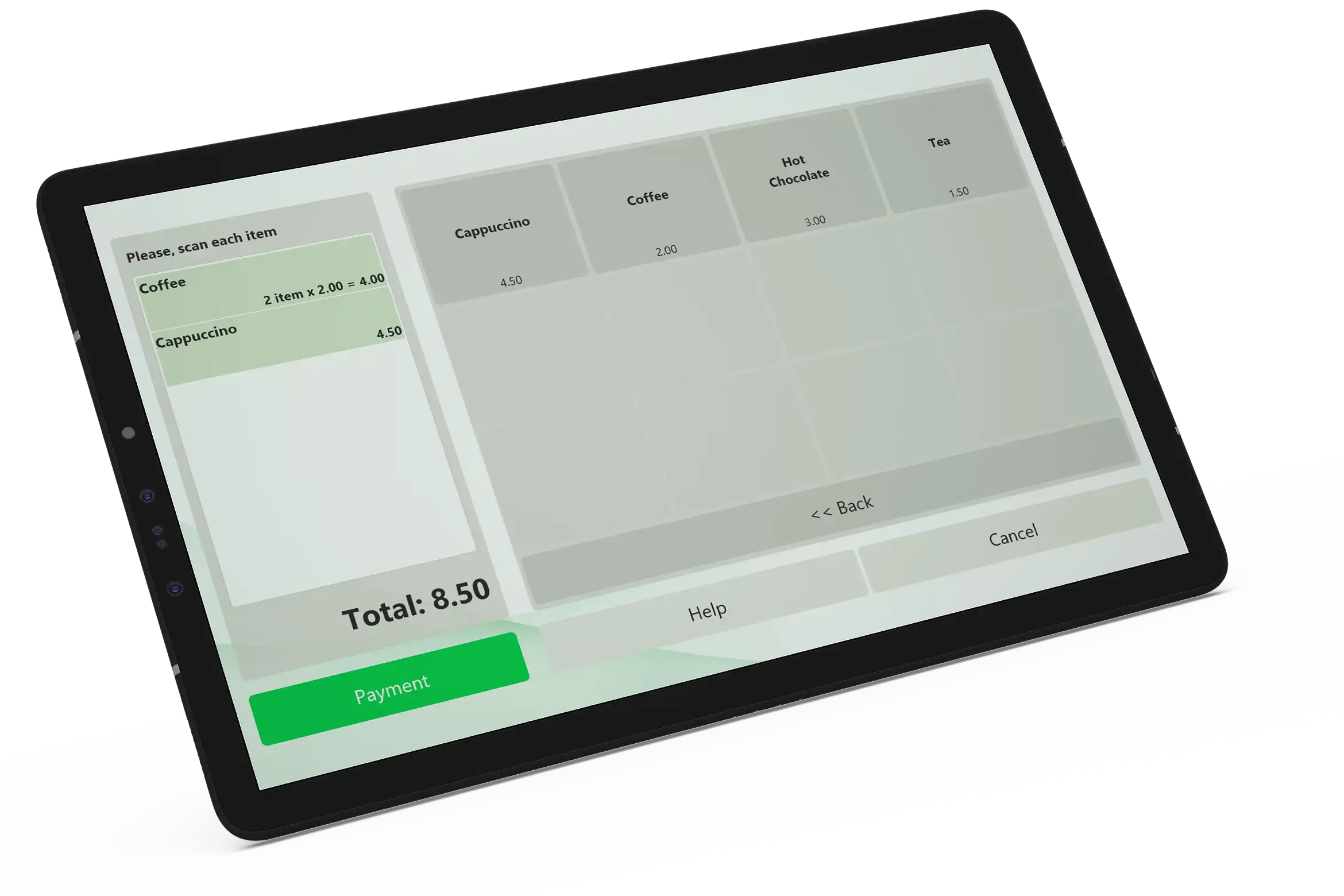
Touch screen support for quick sales

Easily configurable and powerful touch screen user interface for convenient operation on terminals without keyboard. Even the Back Office modules are created with touch screen support in mind and offer ease of use for the next generation computing devices.

Single product for both Front Office and Back Office

Now it is up to you if you want to separate Back Office and Front Office. Both capabilities can be individually turned on depending on the licenses you purchase for each machine you have IncoPOS installed on. And you always have the basic Front and Back Office abilities everywhere you have IncoPOS installed.

Add new peripheral devices

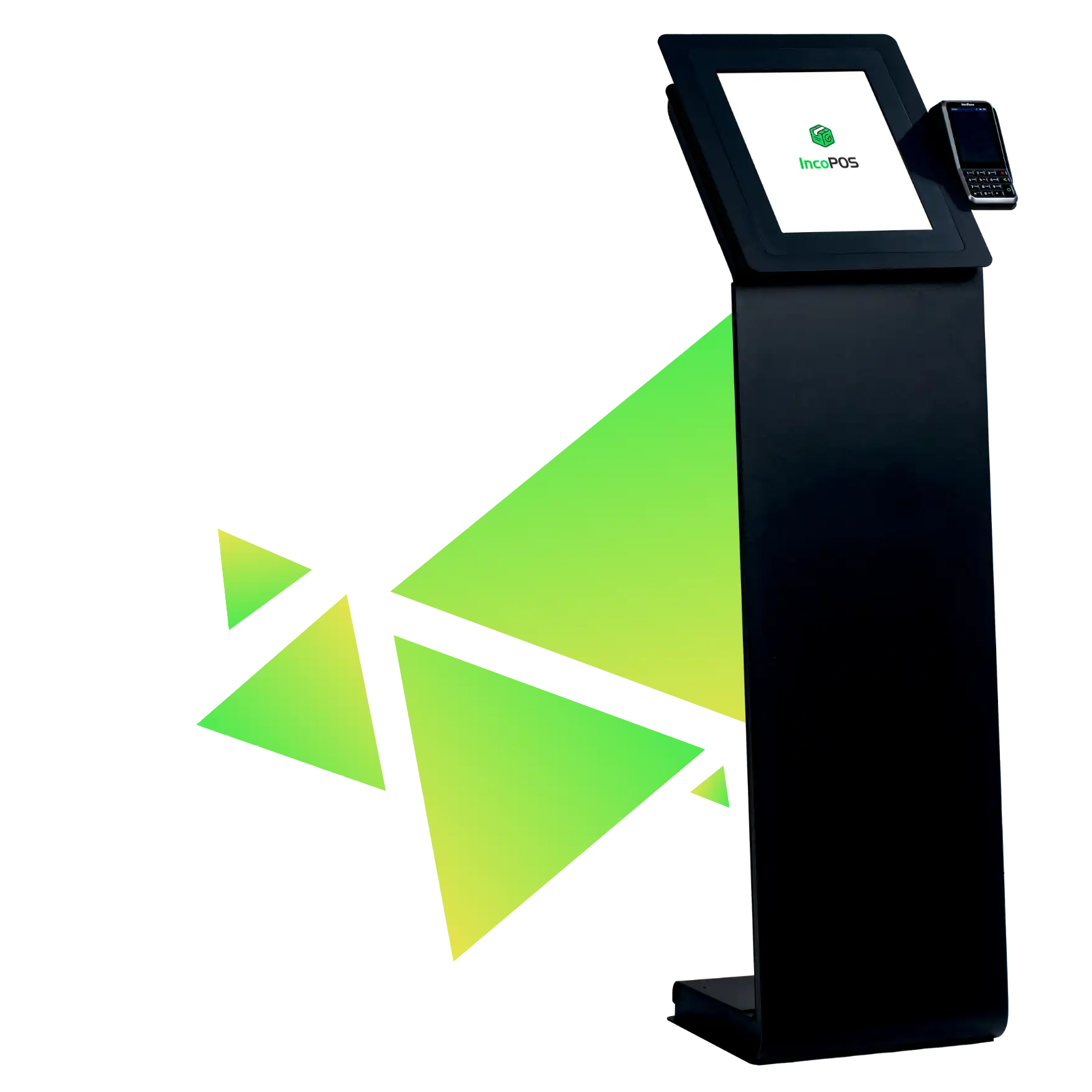
Support for fiscal devices, kitchen printers, barcode scanners and card readers

Easy connect external devices to print fiscal receipts. Connect unlimited number of kitchen printers to print non-fiscal receipts with orders to your chefs. Connect card readers for quick login to the system.

Run IncoPOS on Windows, Mac OS or Linux

IncoPOS can run on Linux too by using the open source implementation of .NET called Mono. IncoPOS uses GTK for its user interface which provides native look with the modern Gnome based distributions such as Ubuntu, Suse and Debian. IncoPOS connects to MySQL server which is universally available across even more platforms.

Edit and keep track of all entities you need

Easy add and keep track of your main entities

Partners

Store your partners' full contact information, bank details. Assign a separate price group for each partner. Hierarchical grouping is available for quick access.

Items

Store your items with their barcodes, description, measurement units, VAT Group and up to 10 price groups. Hierarchical grouping is available for quick access.

Locations

Store all your locations with their price groups. Track items availability individually. Hierarchical grouping is available for quick access.

Users accessing the system

Password protected logins or logins using magnetic cards. Access restriction of users to software functionalities minimizes visible functions for staff that does not need them, and protects your data from unauthorized access.

Report designer for custom report generation

Track all the information you need for your back office

Use the powerfull Dashboard and the advanced reporting tools included to keep track of all the information you need.

Keep a history of operations, payments and invoices issued

More than 16 reports are available to review history data, track items availability, partners and users activity and more.

Low system requirements

IncoPOS uses very efficiently the system resources and utilizes the speed and optimizations provided by Microsoft .NET Framework and MySQL Server. This makes it possible to run on slower computers which are low on system resources. Approximate system requirements are:

- Windows 2000 - 128 MB RAM, 300 MB hard disk space, 500 MHz CPU

- Windows XP - 128 MB RAM, 300 MB hard disk space, 500 MHz CPU

- Windows Vista - 768 MB RAM, 300 MB hard disk space, 1 GHz CPU

- Windows 7 - 1 GB RAM, 300 MB hard disk space, 1 GHz CPU

- Linux - 128 MB RAM, 300 MB hard disk space, 500 MHz CPU

- Mac OS X 10.6 - 1 GB RAM, 300 MB hard disk space, 1 GHz CPU

Protect your investment with an open source system

The core of IncoPOS is and will always stay open source. You get a copy of the source code with each installation of IncoPOS. IncoPOS is written in C# and uses .NET, and a flexible add-on engine called Mono.Addins which allows easy addition of new functionality. Any software developer able to write code in C# can extend the system and add new functionality to it.

Entrance for partners


LOGIN